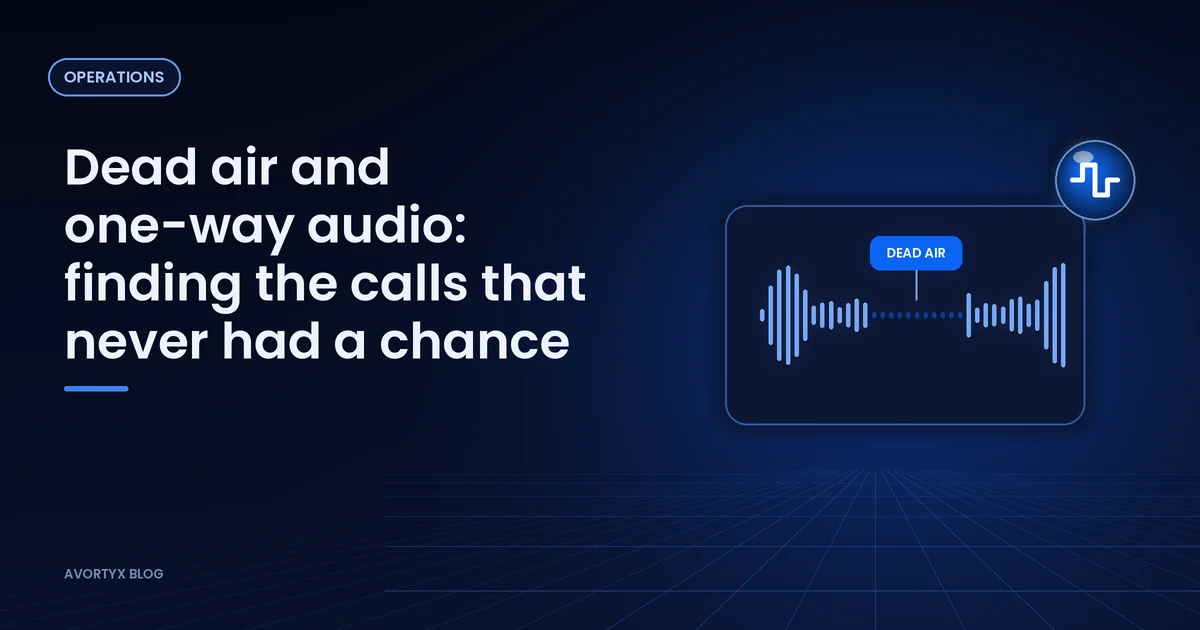
Not every short call is a bad lead. Sometimes the caller said hello and heard nothing back, or the buyer spoke and the caller never heard a word. In a report those calls look like hang-ups, but the problem is the line, not the lead.
What the two flags mean
- Dead air: audio went out, but nothing came back from the other side.
- One-way audio: only one side of the conversation could be heard.
Both show up in a call leg’s media statistics, next to measures such as MOS, packet loss and jitter, so a bad line stands out before anyone plays a recording.
Look for the pattern
One flagged call is noise; a cluster is a clue. Group flagged calls by buyer, carrier route and region. If one buyer’s destination produces most of them, the fault is probably on their side. If one carrier or one region does, the route needs attention.
- All calls
- 4,200
- Flagged dead air
- 96
- From one buyer
- 71 of the 96
- Next step
- Test that buyer’s line, pause it if needed
Illustrative figures.
Protect the traffic while you fix it
While a route is being repaired, pause the buyer or move them down a tier so calls go to destinations that work. Compare flag rates after the fix before you give them their volume back.
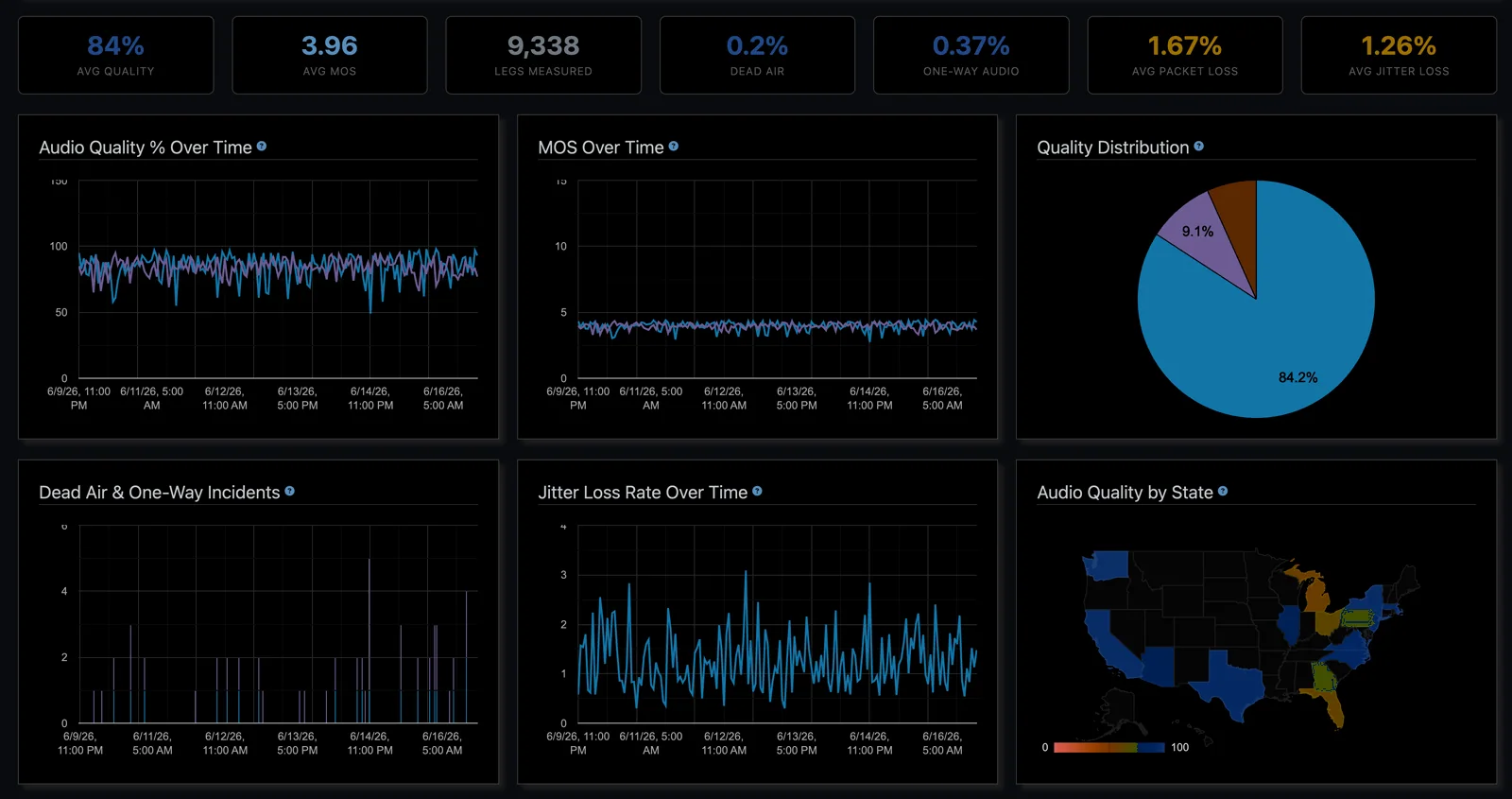
Avortyx measures the quality of every leg it routes, flags dead air and one-way audio as they happen, and rolls quality, MOS, packet loss and jitter into the Audio Quality dashboard, with geographic and per-codec views.
See it in your own numbers. Know where each call came from, send it to a buyer who can take it, and see what it earned.