Every leg, separately
Avortyx records the agent leg, the buyer leg and the whole call as separate files, so QA, disputes and coaching each get exactly the part they need.
A player built for review
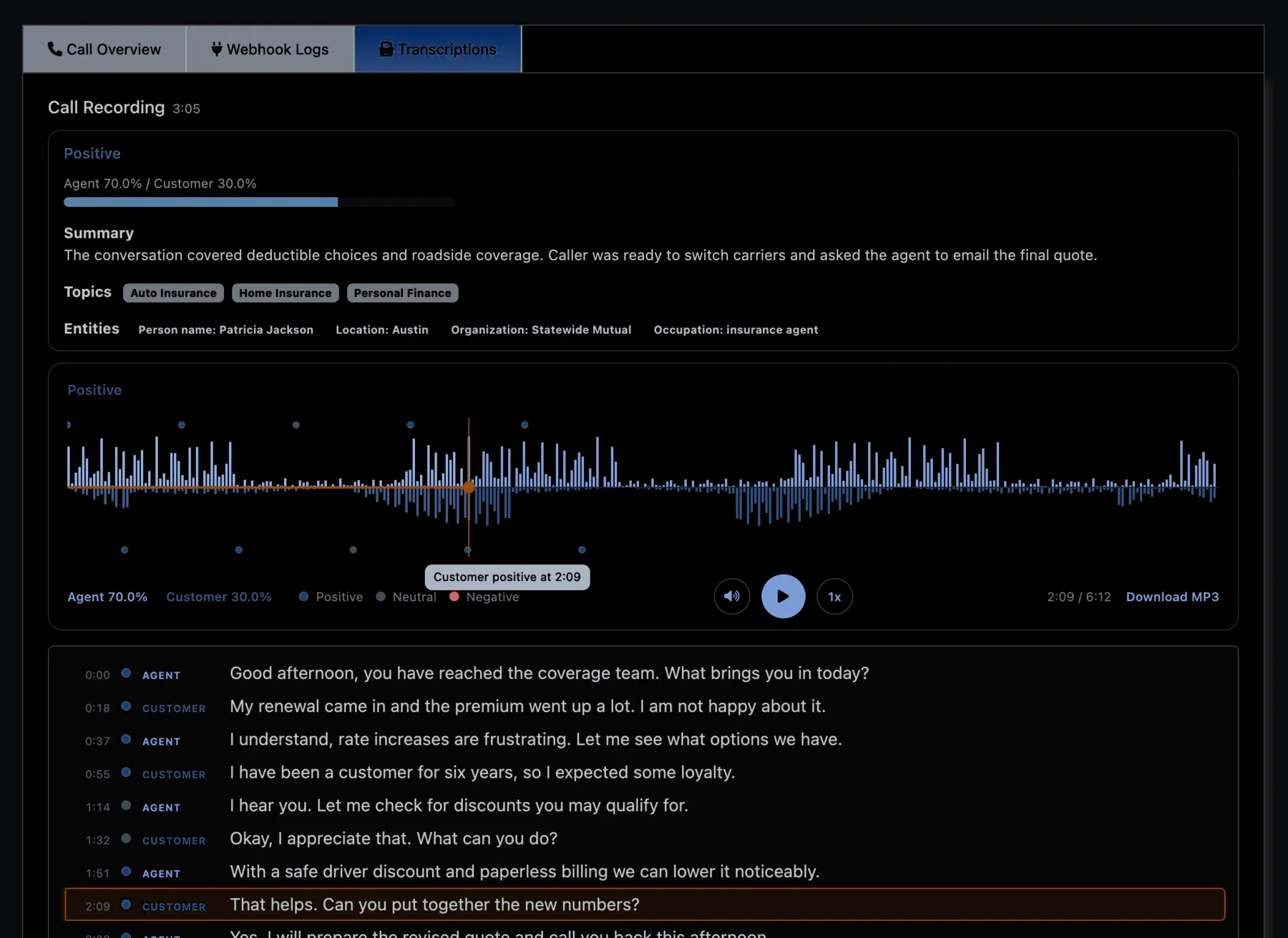
Recordings play on a waveform with the agent and customer on separate channels; click anywhere to jump there. Turn on AI Transcriptions and sentiment markers appear along the waveform while the transcript follows the audio, labeled by speaker.
Jump to the moment. Two-channel waveform and sentiment markers above a transcript you can click to seek.
Playback only for your team
With authorized playback switched on, a recording opens only for a signed-in user in your account, through short-lived signed links rather than public URLs.
Know when audio is ready
A webhook fires as soon as a recording is available, with separate events for the agent, buyer and full-call files, so nothing has to poll for audio.
Retention on your terms
Set how long recordings live by call type, offer, schedule, buyer or traffic source; anything past its window is removed automatically, one of Avortyx’s security and compliance tools.
Take them with you
Data Exports download recordings in bulk, once or on a recurring schedule.
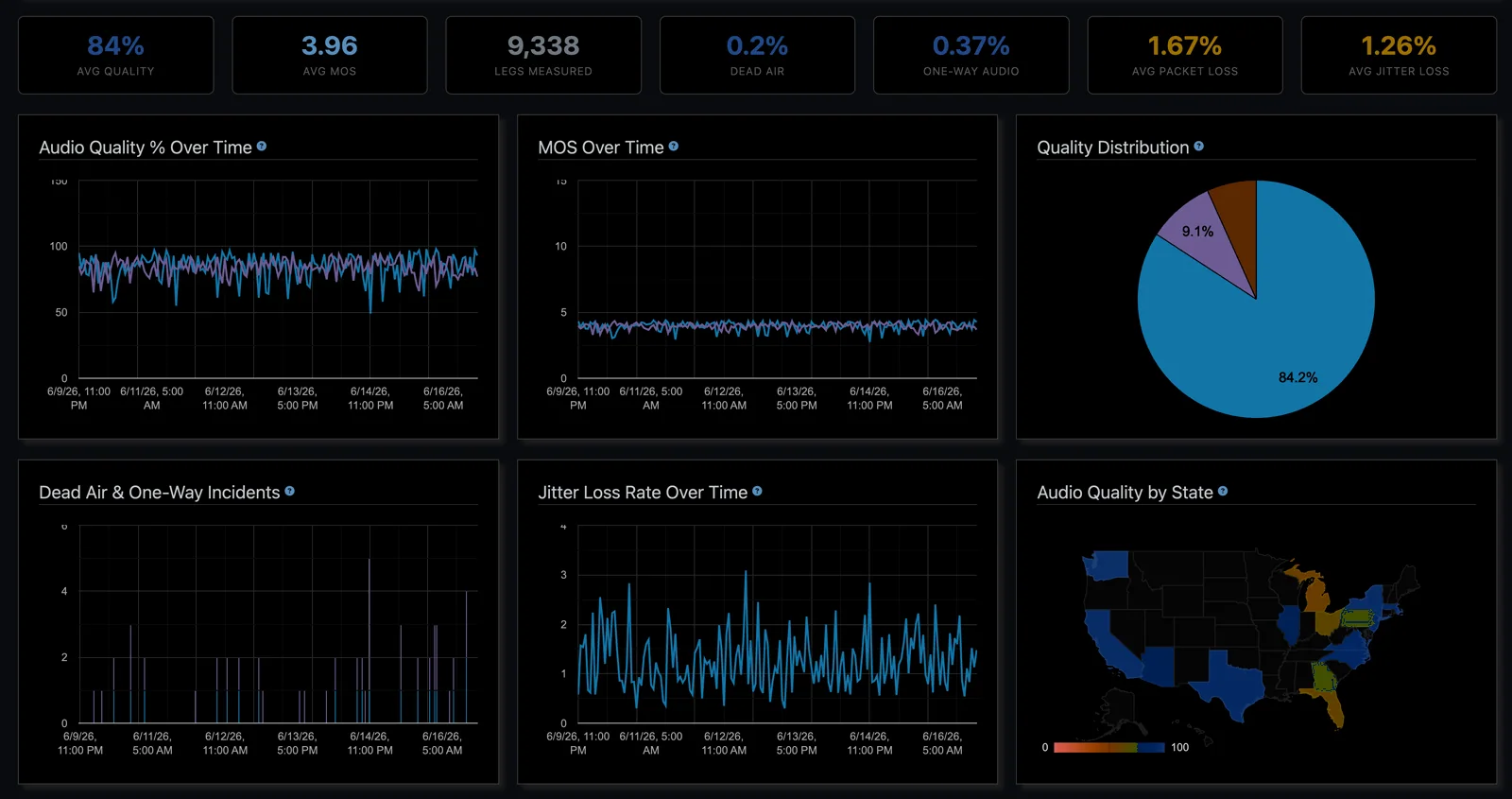
Call quality, measured
Each recording carries an audio quality score from its RTP media stats: MOS, quality, packet loss and jitter, with dead air and one-way audio flagged, so a bad line is obvious before anyone listens. See it across the account in the Audio Quality dashboard.
Quality at a glance. MOS, packet loss and jitter across every call in the account.